Track all your AI subscriptions

Know exactly what you
spend on AI.

Pricing, costs and billing dates — at a glance.

ChatGPT
Claude
GitHub Copilot
Google One
Cursor

Preview

Dark mode and light mode,
both at their best.
Dark Mode
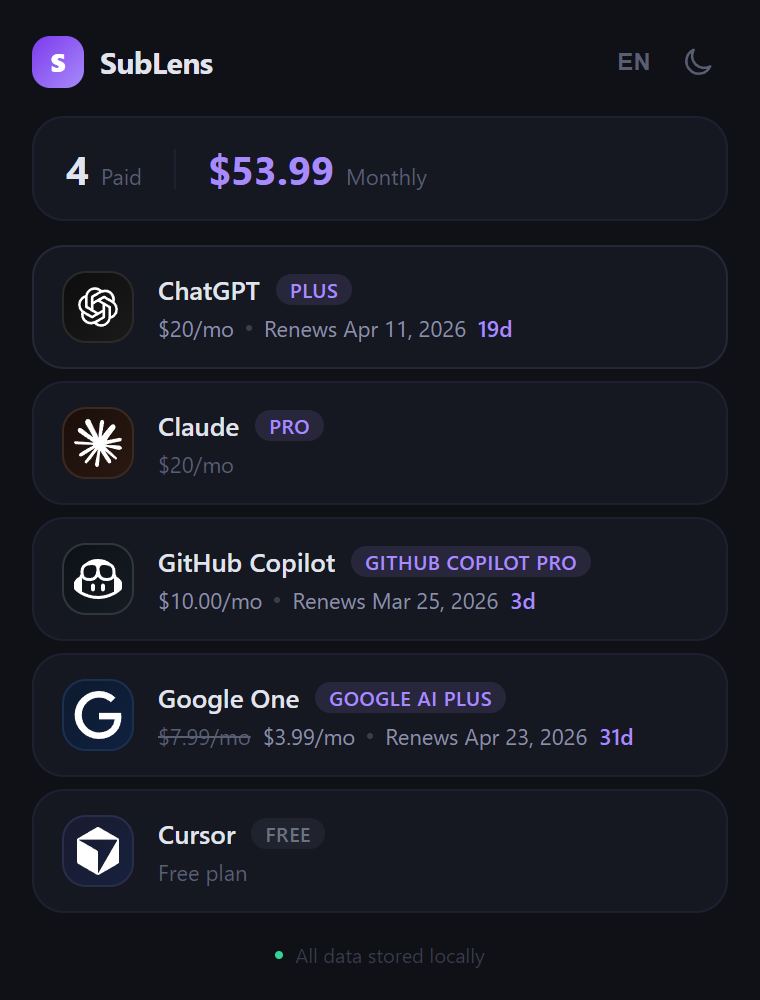
SubLens dark mode — AI subscription cards showing plans, billing dates and costs
Light Mode
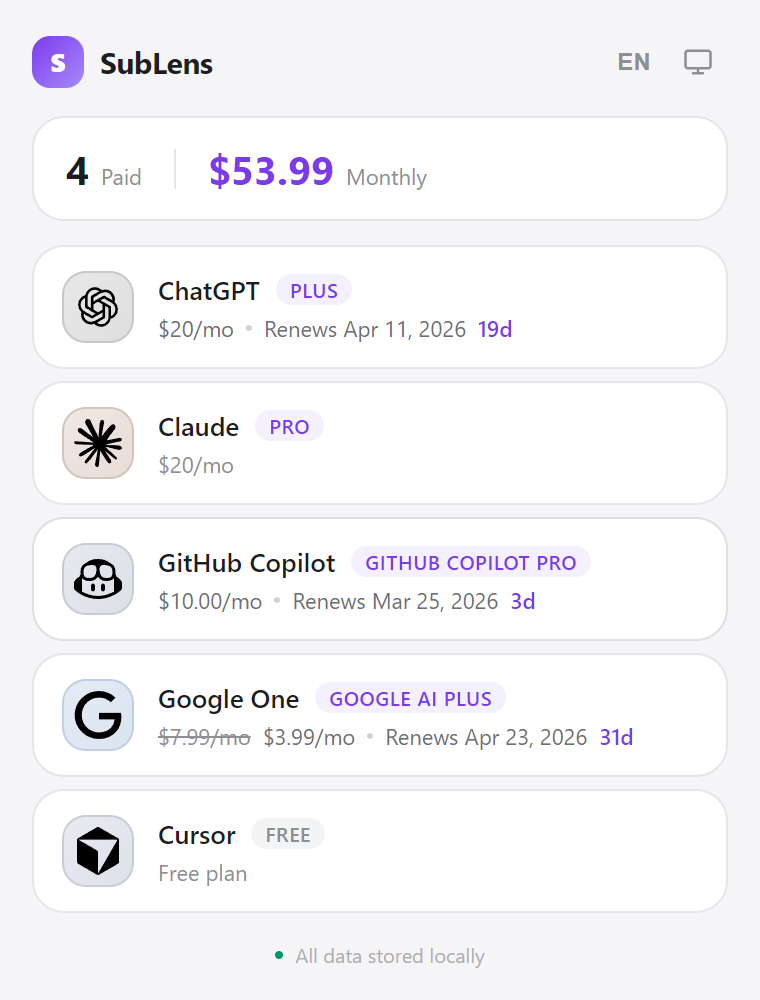
SubLens light mode — AI subscription cards showing plans, billing dates and costs

Features

Everything in one place.

Spend per Provider
See what each AI provider costs you, with a total across all active subscriptions.
Billing Dates
Next billing date and days remaining displayed on every card — no more surprise charges.
Total Cost
A summary card shows your combined AI spend across all providers at a glance.
Toolbar Badge
Your active paid subscription count is always visible on the extension icon.
Drag to Reorder
Arrange cards in the order that makes sense to you. Your layout is saved automatically.
Privacy First
All data stays in your browser. No external servers, no analytics, no tracking.

Supported Providers

Works with.

Provider Plan & Price Billing Date
ChatGPT
Claude
GitHub Copilot
Google One
Cursor

Get Started

Add to Chrome. Done.

STEP 01
Add to Chrome
Install SubLens from the Chrome Web Store with one click. No account required.
STEP 02
Stay Logged In
SubLens reads your existing sessions — just make sure you're logged into your AI providers.
STEP 03
Open the Popup
Click the SubLens icon in your toolbar to see all subscriptions at a glance.